Every update is included.
One purchase covers every future version. Disk Census checks once a day and installs a new version only when you say so.
Updates
2.0.2 is availableVersion 2.0.1 · Latest 2.0.2
Overview and the menu bar show your disk as it is now, and you can send us feedback from the app.Release notes
Check for updates automaticallyOnce a day while the app is open. Never installs by itself.
How it works
Checks once a day.
While the app is open, it looks for a new version once a day. Turn that off and check whenever you like.
Never installs by itself.
When a new version is ready, you see what’s in it and choose Install and Restart.
The app and census together.
One update brings the app and the census command to the same version.
Good to know
- Checking for updates sends nothing about your files.
- Every version’s notes are in the changelog.
More features
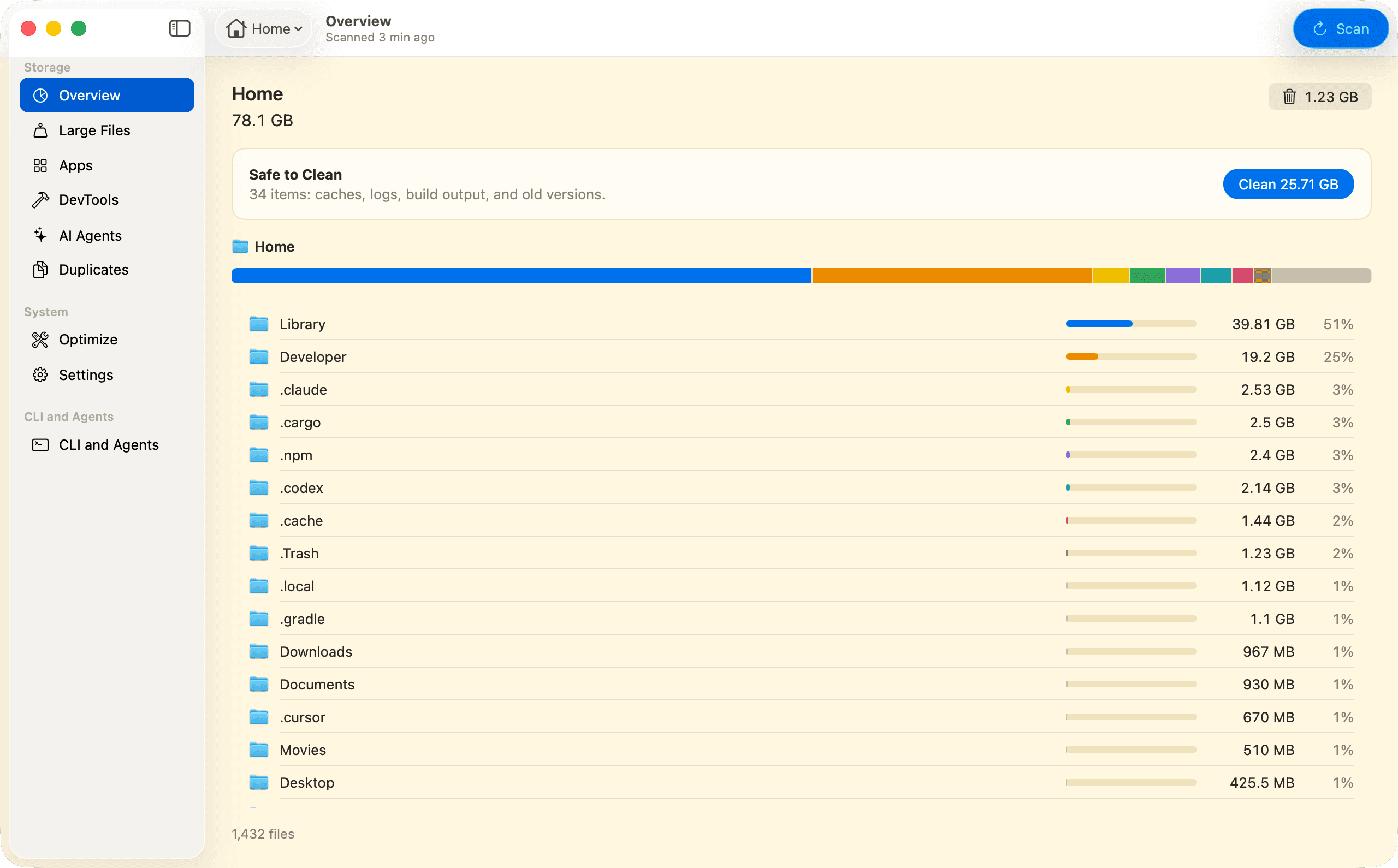
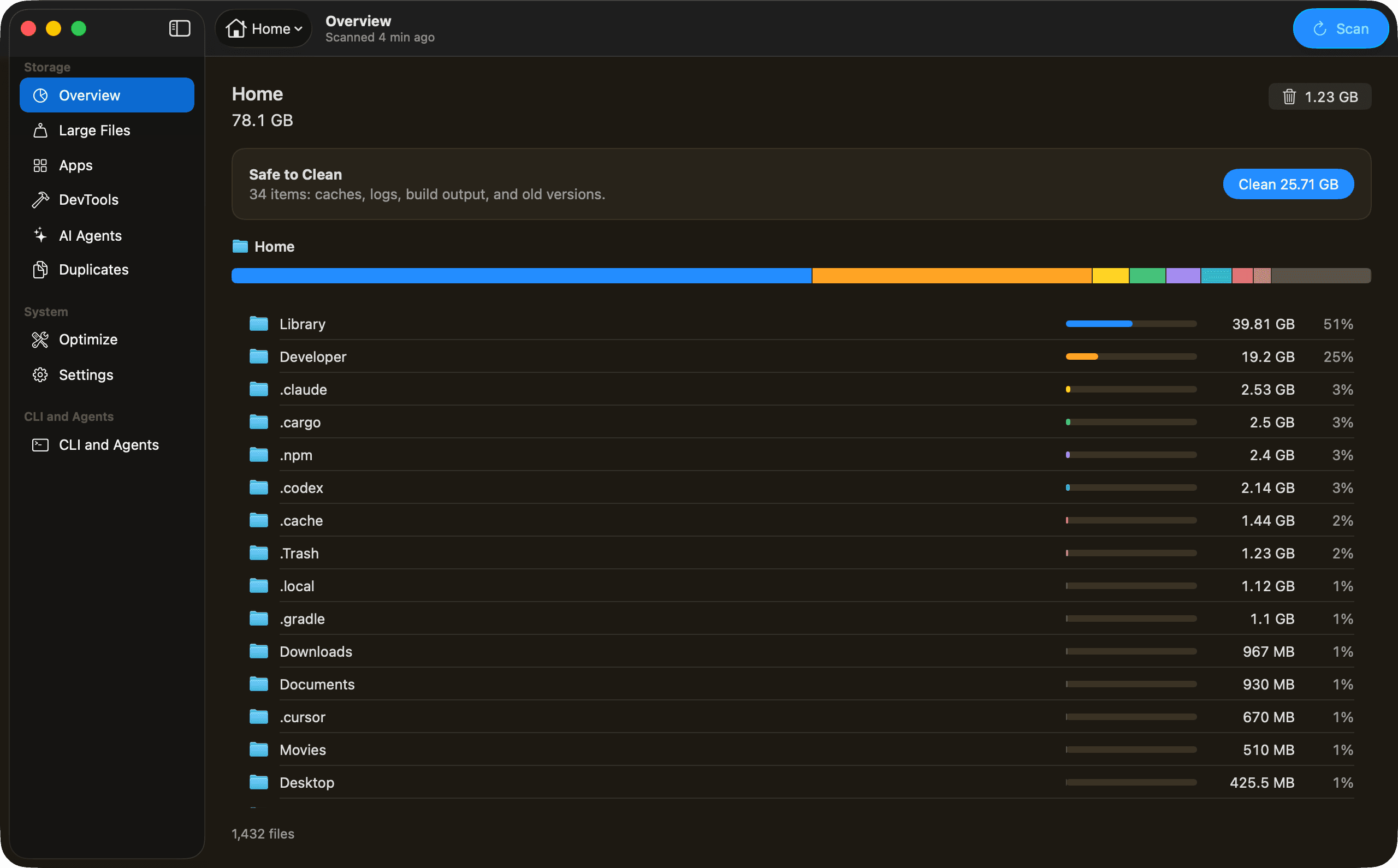
At home in Light and Dark.
It follows your Mac’s appearance, or you can choose one in Settings.
Keep an eye on free space.
A desktop widget for free space, and a heads-up when it runs low.
- me@MacBook-Pro ~ % census cleanRescanning Macintosh HD…11 items are safe to delete · 70 GB 18.6 GB Xcode DerivedData ~/Library/Developer/Xcode/DerivedData 14.2 GB Simulator runtimes ~/Library/Developer/CoreSimulator 13.4 GB Install macOS Sequoia.app /Applications 7.4 GB Application caches ~/Library/Caches … 7 more 16.4 GB
Everything in the app works in Terminal, too.
The same engine as the app, as the census command, with JSON for scripts.