Free up space on your Mac without guessing.
Disk Census scans your whole disk and labels what it finds: safe to remove, worth a look, or best kept. You choose what goes.
macOS 12 or later · Intel and Apple silicon
Overview
Scanned 5 hr ago
87%used
Macintosh HD
427.84 GB of 494.38 GB used
66.54 GB free
Used Space
- Developer133.44 GB31%
- Documents124.17 GB29%
- System Data46.12 GB11%
- Applications36.35 GB8%
- macOS26.41 GB6%
- App data25.93 GB6%
- AI agents12.29 GB3%
- Caches10.57 GB2%
- Mail and Messages7.92 GB2%
- Other users3.18 GB<1%
- Logs1.46 GB<1%
Safe to Clean
21 items: caches, logs, build output, and old versions.
Largest
- com.docker.docker~/Library/Containers38.72 GB
- DerivedData~/Library/Developer/Xcode24.61 GB
- Devices~/Library/Developer/CoreSimulator17.3 GB
- target~/code/blip-cli9.84 GB
- avd~/.android9.12 GB
1,284,092 files
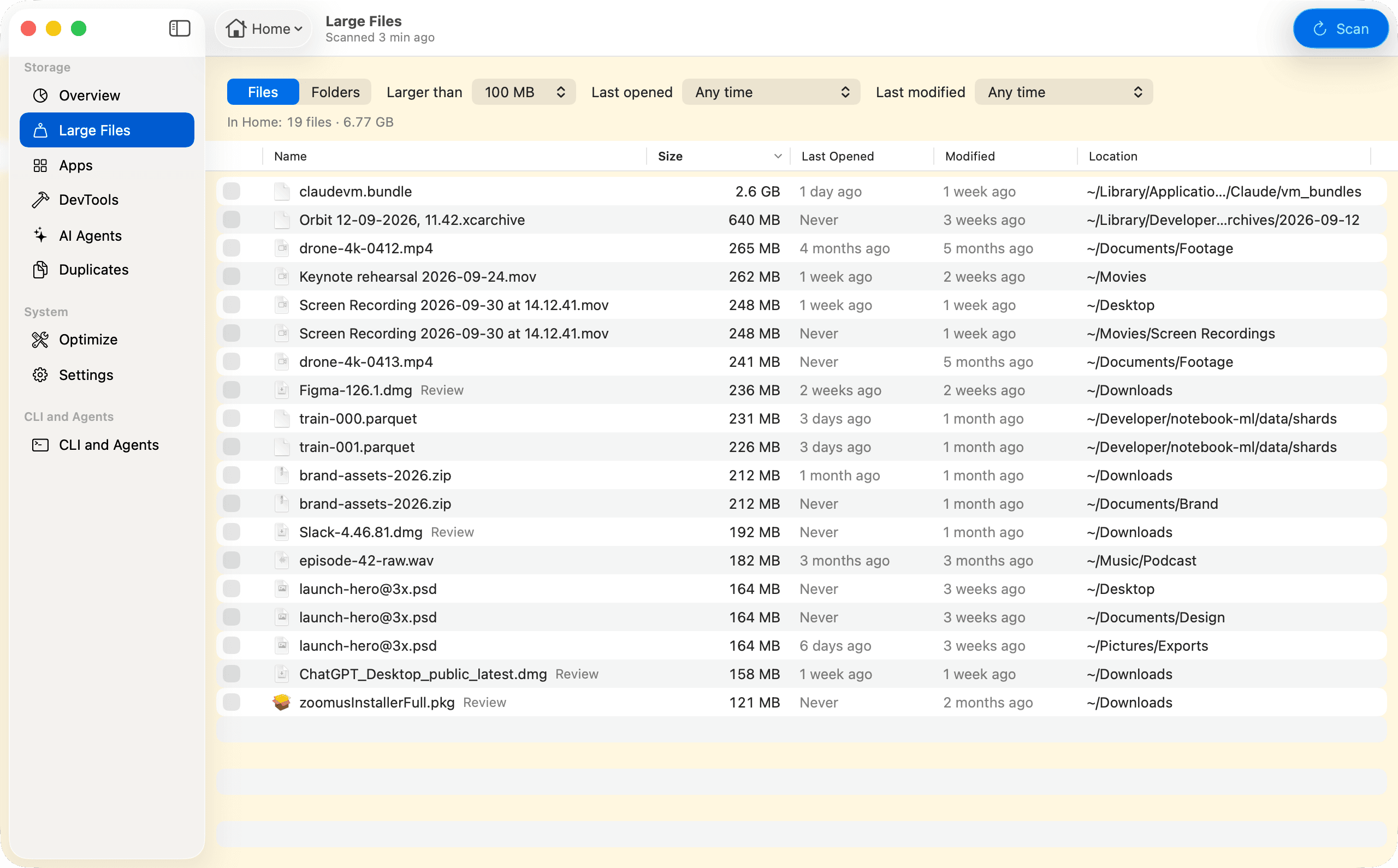
01Large Files
Find the large files you forgot about.
Your biggest files in one list, with when you last opened each one and where it is.
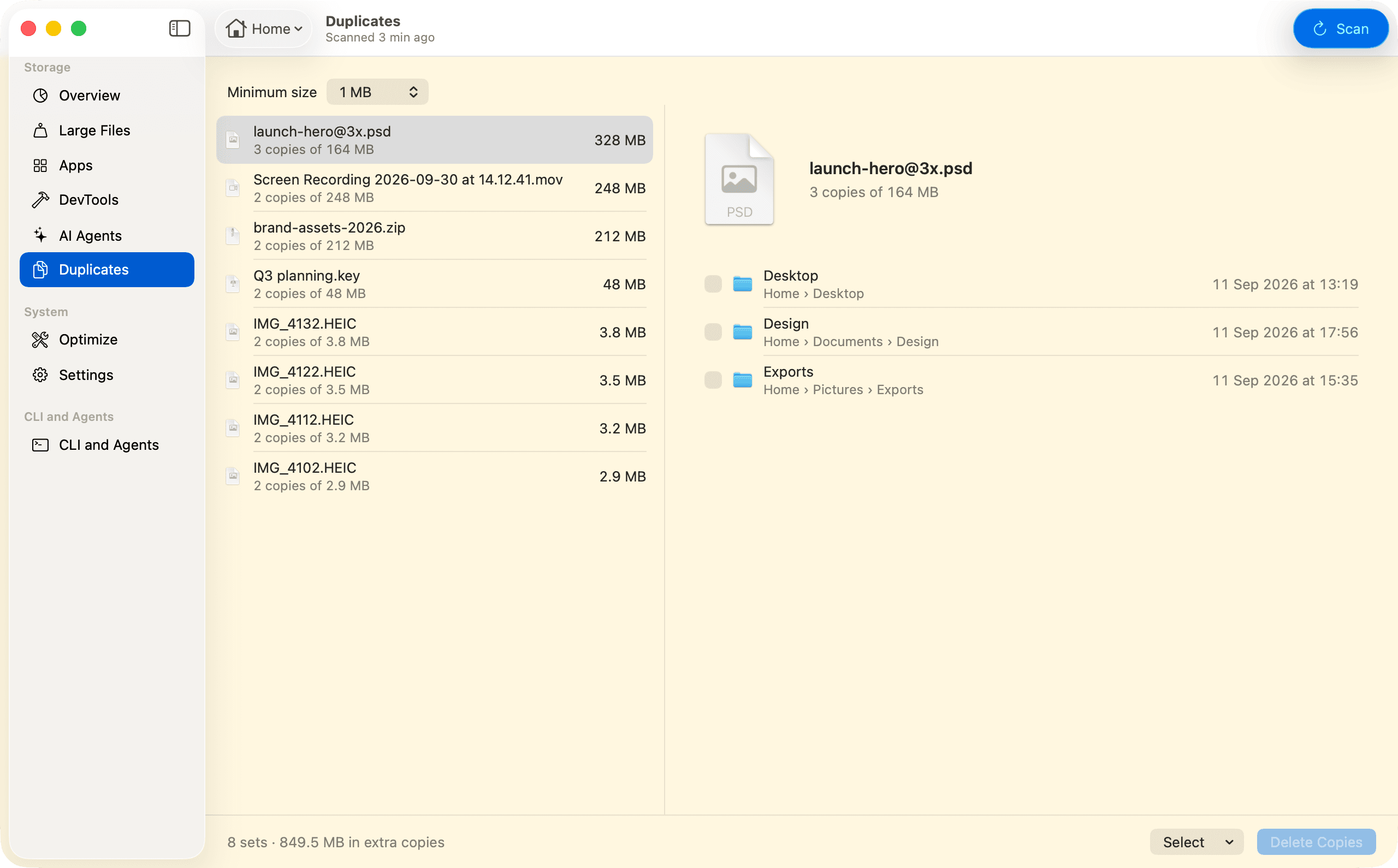
02Duplicates
Spot files you’ve saved more than once.
Identical files sit side by side, so you can keep the one you want. Disk Census never deletes the last copy.
03Apps
Remove an app and the files that came with it.
Disk Census finds an app’s caches, settings and support files. Anything it can’t tie to the app for sure is left unticked.
Apps view · screenshot to come
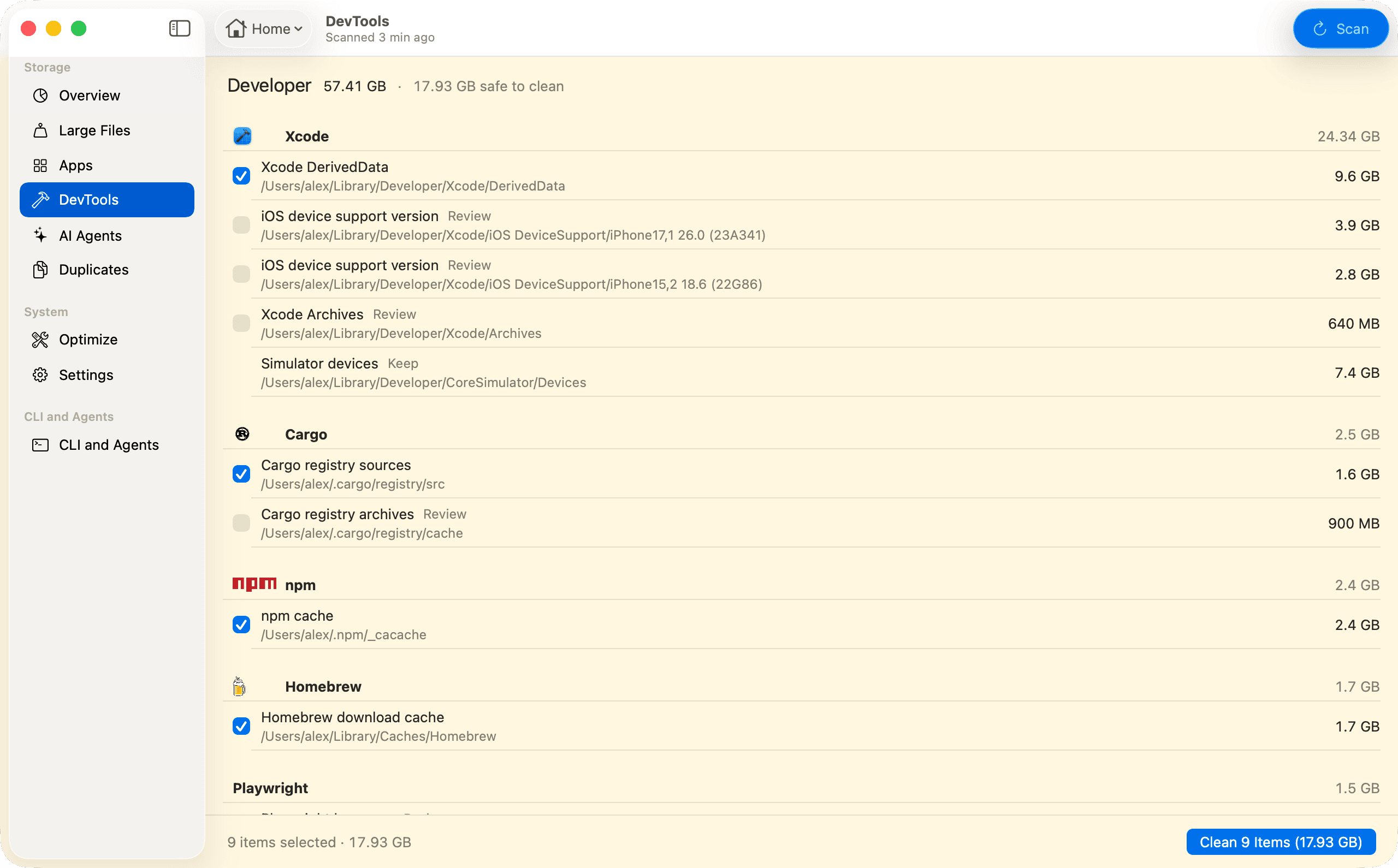
04Developer Tools
Developer tools take more room than you think.
Build files and package caches keep growing long after a project is done. Disk Census groups them by tool and shows which ones rebuild themselves.
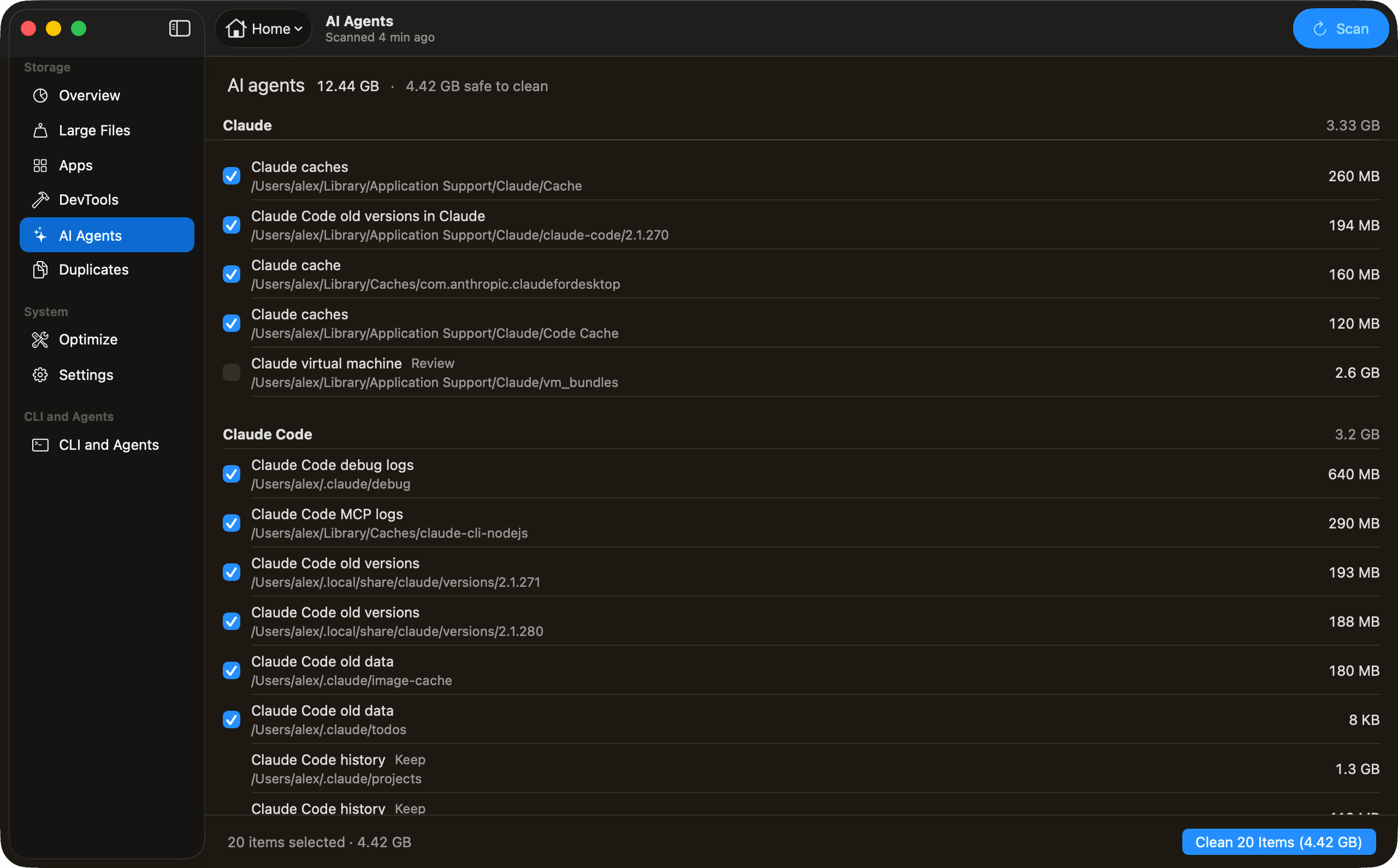
05AI Agents
AI coding agents leave files behind, too.
Old versions, caches and logs from tools like Claude Code and Codex add up. Disk Census finds them, and anything you might want back waits for your review. Your agent can run census too.
Last login: Tue Oct 6 09:41:12 on ttys000alex@MacBook-Pro ~ % census findings --category ai_agentsCleanup findings (scan of /, 4 minutes ago) Safe to clean up: 4.4 GB in 20 itemsRebuilt automatically when needed. Size What Path 640 MB Claude Code debug logs ~/.claude/debug 486 MB Cursor cached data ~/Library/Application Support/Cursor/CachedData 412 MB Codex old versions ~/.codex/packages/standalone/releases/0.46.0 318 MB Cursor Agent old versions ~/.local/share/cursor-agent/versions/2025.09.18-7ae6800 290 MB Claude Code MCP logs ~/Library/Caches/claude-cli-nodejs 268 MB Codex temporary files ~/.codex/tmp 260 MB Claude caches ~/Library/Application Support/Claude/Cache 215 MB Zed cache ~/Library/Caches/Zed 194 MB Claude Code old versions in Claude ~/Library/Application Support/Claude/claude-code/2.1.270 193 MB Claude Code old versions ~/.local/share/claude/versions/2.1.271… and 10 more (1.1 GB). Use --limit 0 to list all. Review before cleaning up: 3.1 GB in 2 items Size What Path 2.6 GB Claude virtual machine ~/Library/Application Support/Claude/vm_bundles 513 MB Codex log database ~/.codex/logs_1.sqlite For information: 4.9 GB in 6 items Size What Path 1.3 GB Codex history ~/.codex/sessions 1.3 GB Claude Code history ~/.claude/projects 1.1 GB Gemini CLI history ~/.gemini/tmp 734 MB Cursor history ~/Library/Application Support/Cursor/User/globalStorage/state.vscdb 410 MB Claude Code history ~/.claude/file-history 23.0 MB Zed history ~/Library/Application Support/Zed/threadsalex@MacBook-Pro ~ % Works with
 Claude Code
 Codex
Codex- Cursor
 Gemini CLI
- ChatGPT
 VS Code
- Warp
- Any agent
Names and logos belong to their owners.
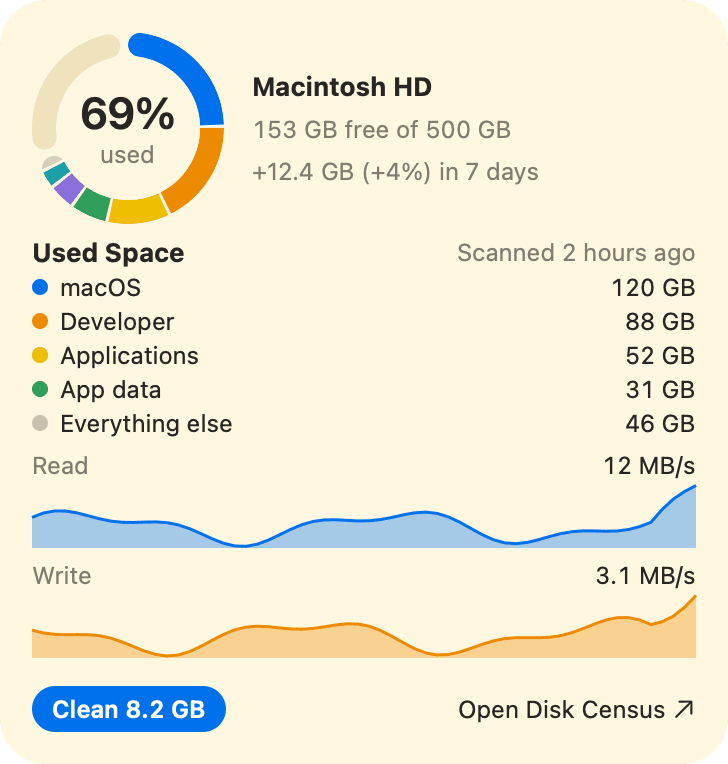
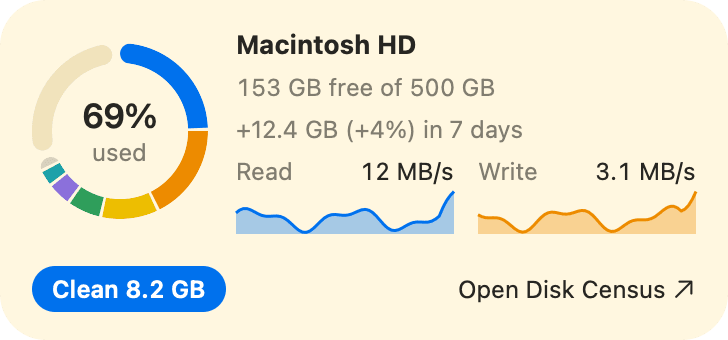
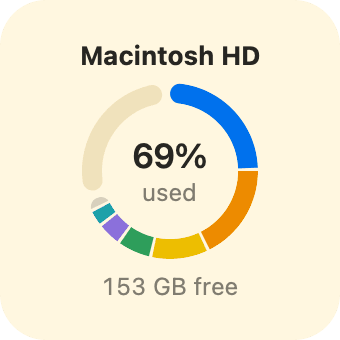
06Widget
Keep an eye on free space.
A desktop widget shows how much room is left, and Disk Census tells you when space runs low.
07Safe Cleanup
Nothing is deleted until you say so.
- ScanDisk Census looks through your whole disk.
- ReviewEach item says what it is and if it’s safe to remove.
- SelectTick what you want gone.
- ConfirmCheck the list, then confirm. Items in use are skipped.
Deleted items skip the Trash, so you get the space back right away.
08Fast Scans
Later scans only read what changed.
The engine is written in Rust and uses macOS’s own record of file changes. It runs on macOS 12 or later, on Intel and Apple silicon.
Scan engine written in RustFor Intel and Apple silicon
 Built with Rust
One purchase, three Macs.
No account and no subscription. Every future version is included.
Launch offerSave 60%
Regular price $10Launch price $3.99
Limited seats, offer ends soon.
- Payment
- Once. No subscription.
- Macs per key
- Up to 3 at a time
- Your key
- On screen after checkout, and by email
- Requires
- macOS 12 or later · Intel and Apple silicon
Checkout by Stripe. Sold through Link, which sends your receipt. Prices in US dollars, tax included. Refund policy
Common questions
Is anything deleted automatically?
No. Disk Census deletes only the items you select, after you confirm. Deleted items skip the Trash, so the confirmation is your last check.
How does it know what’s safe to delete?
Each item is tagged Safe if it rebuilds itself, Review if getting it back would cost you time or data, or Keep. Keep items are shown but never offered for deletion.
Which Macs does it run on?
Any Mac with macOS 12 Monterey or later, Intel or Apple silicon.
Do I need to scan again for each view?
No. One scan fills every view. Later scans only read what changed.
Does it clean up Xcode and other developer files?
Yes. It finds caches and build files from Xcode, Homebrew, npm, Yarn, pip, Cargo and many other tools, grouped by tool. A few, like Docker’s disk image, are shown with their size but kept.
Can my AI agent use it?
Yes. The census command comes with the app. Your agent can read everything, clear the safe items when you ask, and needs your OK for anything else.
Does it remove every trace of an app?
It removes the files it can clearly tie to the app. Anything it isn’t sure about is shown but left unticked.