Developer tools take more room than you think.
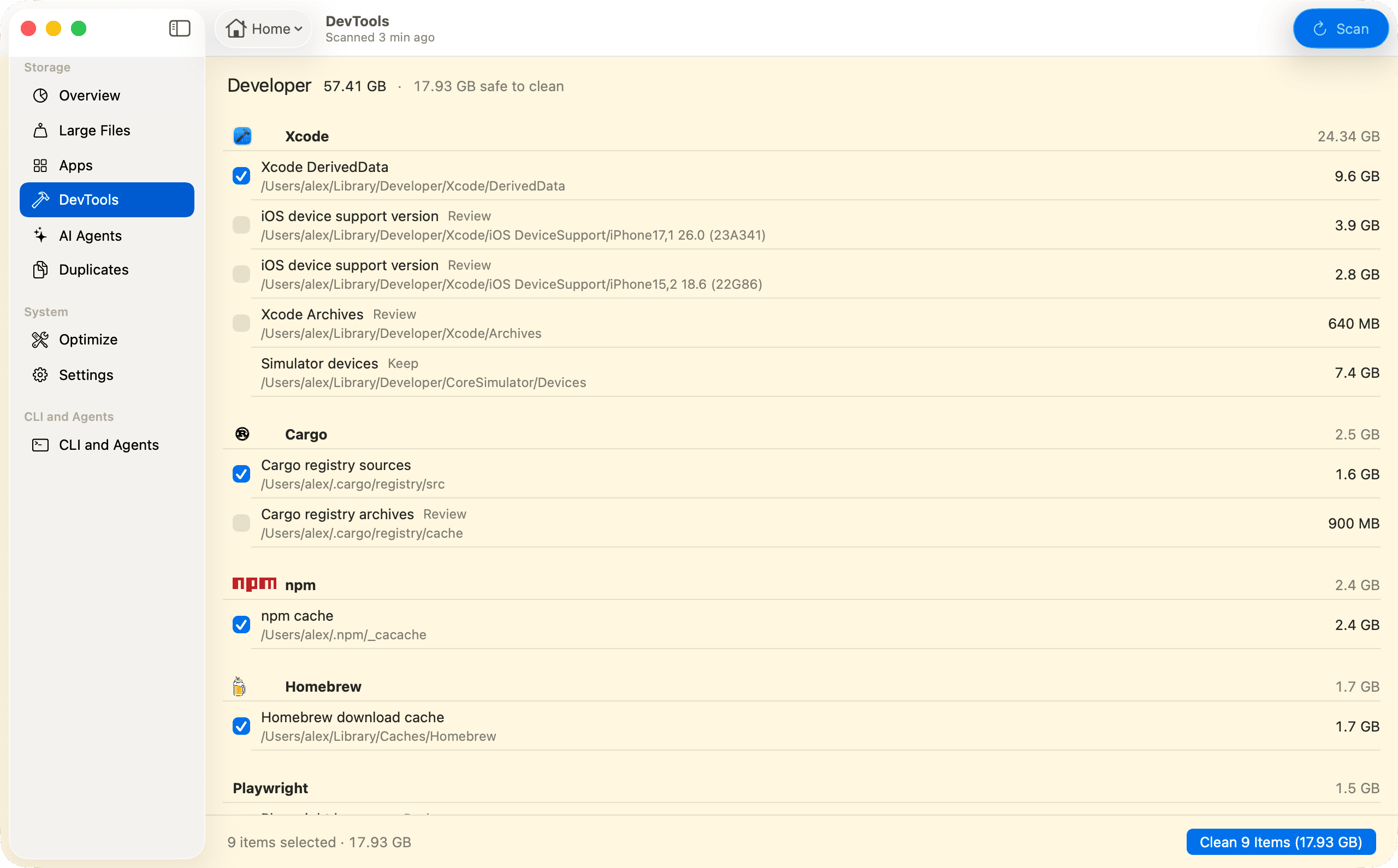
Build files and package caches keep growing long after a project is done. Disk Census groups them by tool and shows which ones rebuild themselves.
How it works
Grouped by tool.
Xcode, Homebrew, npm, pnpm, Yarn, Bun, Cargo, Go, Gradle, CocoaPods, Swift Package Manager, pip, uv, Poetry, conda and more, each under its own logo.
Safe, Review or Keep.
Safe items rebuild themselves and start ticked. Review items cost time or data to restore, so they wait for you. Keep items, like simulator devices and Docker’s disk image, are shown but never offered.
Every tag says why.
Each item explains what it is and what brings it back. Disk Census deletes the files itself and never runs a tool’s own commands.
Good to know
- Project folders such as node_modules and Cargo target folders are grouped under Projects.
- Anything a running tool is using is skipped when you clean.
More features
Projects
18.25 GB- blip-cli9.84 GB
- Cargo build output Review/Users/alex/code/blip-cli/target9.84 GB
- pixel-garden2.92 GB
- notebooks-old2.36 GB
- rust-playground2.17 GB
- tidepool-ios964.2 MB
Find the old projects taking up room.
Build folders are grouped by project, so you can clear the ones you’re done with.
- Safe to Clean21 items: caches, logs, build output, and old versions.
- Xcode DerivedData24.61 GB
- npm cache3.27 GB
- Homebrew download cache1.86 GB
- Caches1.82 GB
Clean what’s safe in one click.
Caches, logs and build output that rebuild on their own, cleaned after you check the list.
AI agents
3.26 GB safe to clean- Claude Code3.22 GB
- Claude Code debug logs640.8 MB
- Claude Code MCP logs291.6 MB
- Claude Code old versions193.4 MB
- Claude Code historyKeep1.31 GB
- Claude3.27 GB
- Claude virtual machineReview2.6 GB
AI coding agents leave files behind, too.
Old versions, caches and logs from Claude Code, Codex and others.
- Claude Code3.22 GB
