At home in Light and Dark.
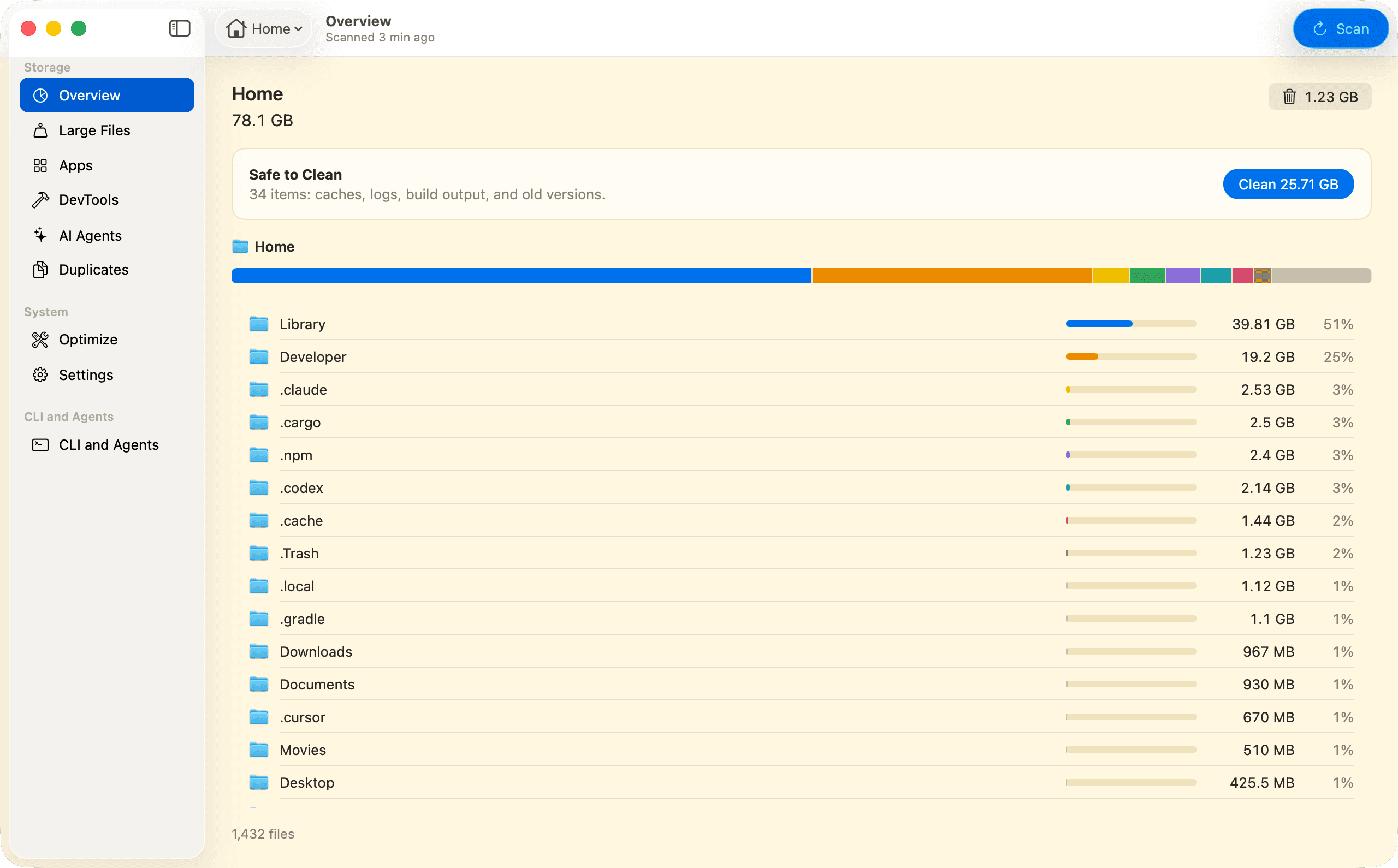
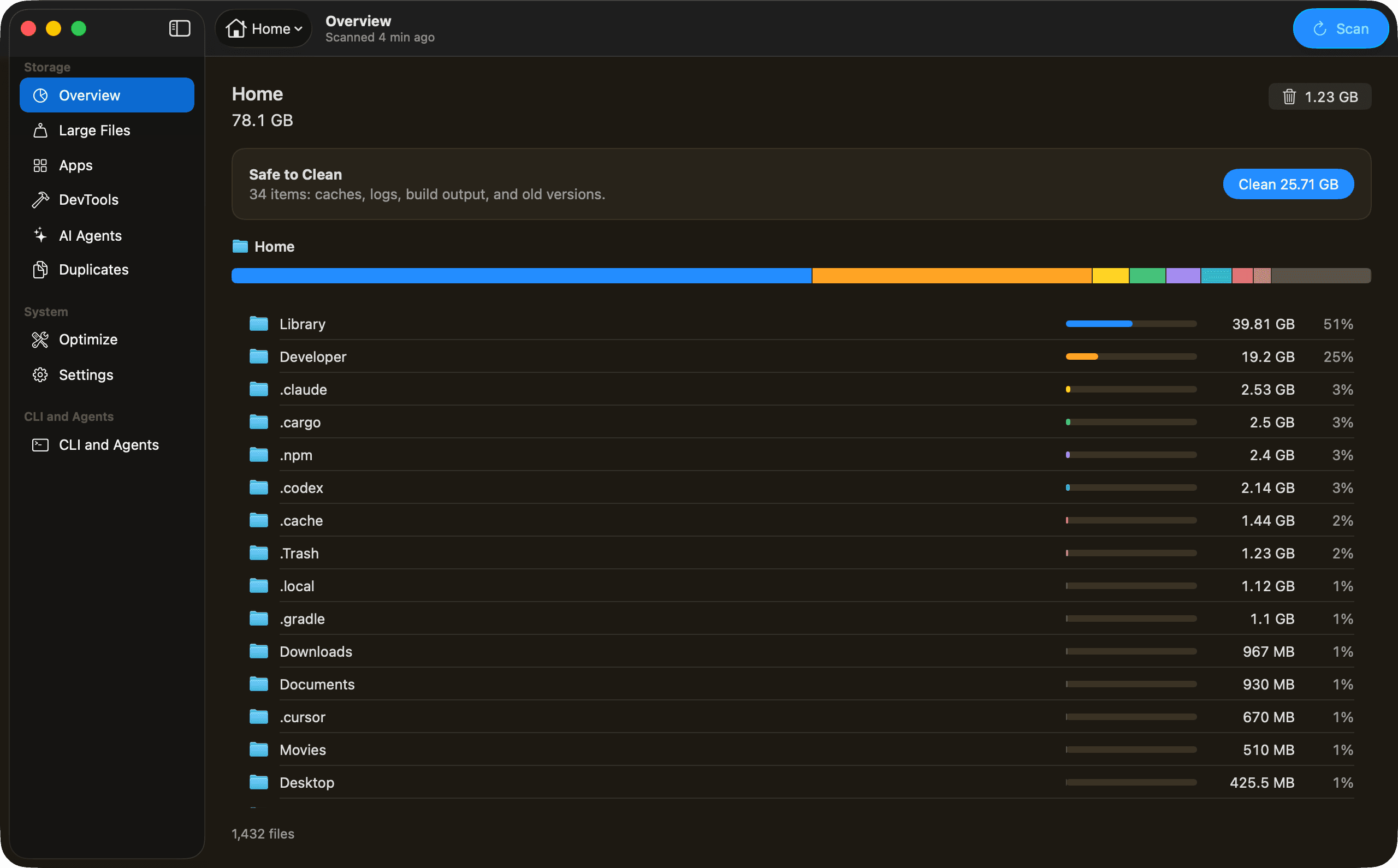
Disk Census follows your Mac’s appearance, or you can choose one in Settings.
How it works
Follows your Mac.
On Auto it matches the appearance set in System Settings, and switches when your Mac does.
Or choose one.
Settings › Appearance sets Light or Dark for Disk Census alone, each with a small preview of the window.
A warm Dark.
Dark is a deep coffee brown rather than plain black, with the same warm cream in Light.
Good to know
- Disk Census uses the standard macOS controls, so Increase Contrast and Reduce Transparency work as they do everywhere else.
More features
Keep an eye on free space.
A desktop widget for free space, and a heads-up when it runs low.
Updates
2.0.2 is availableVersion 2.0.1 · Latest 2.0.2Overview and the menu bar show your disk as it is now, and you can send us feedback from the app.Release notesCheck for updates automaticallyOnce a day while the app is open. Never installs by itself.Every update is included.
Disk Census checks once a day and installs a new version only when you say so.
- Home78.1 GB
- Library39.81 GB
- Developer19.2 GB
- .claude2.53 GB
- .cargo2.5 GB
- .npm2.4 GB
Scan your whole Mac, or just one folder.
Start from the startup disk, your home folder or any folder you choose.